Education
How SAP Handles System Logs and Tracks Every Activity?
Apr 15, 2026
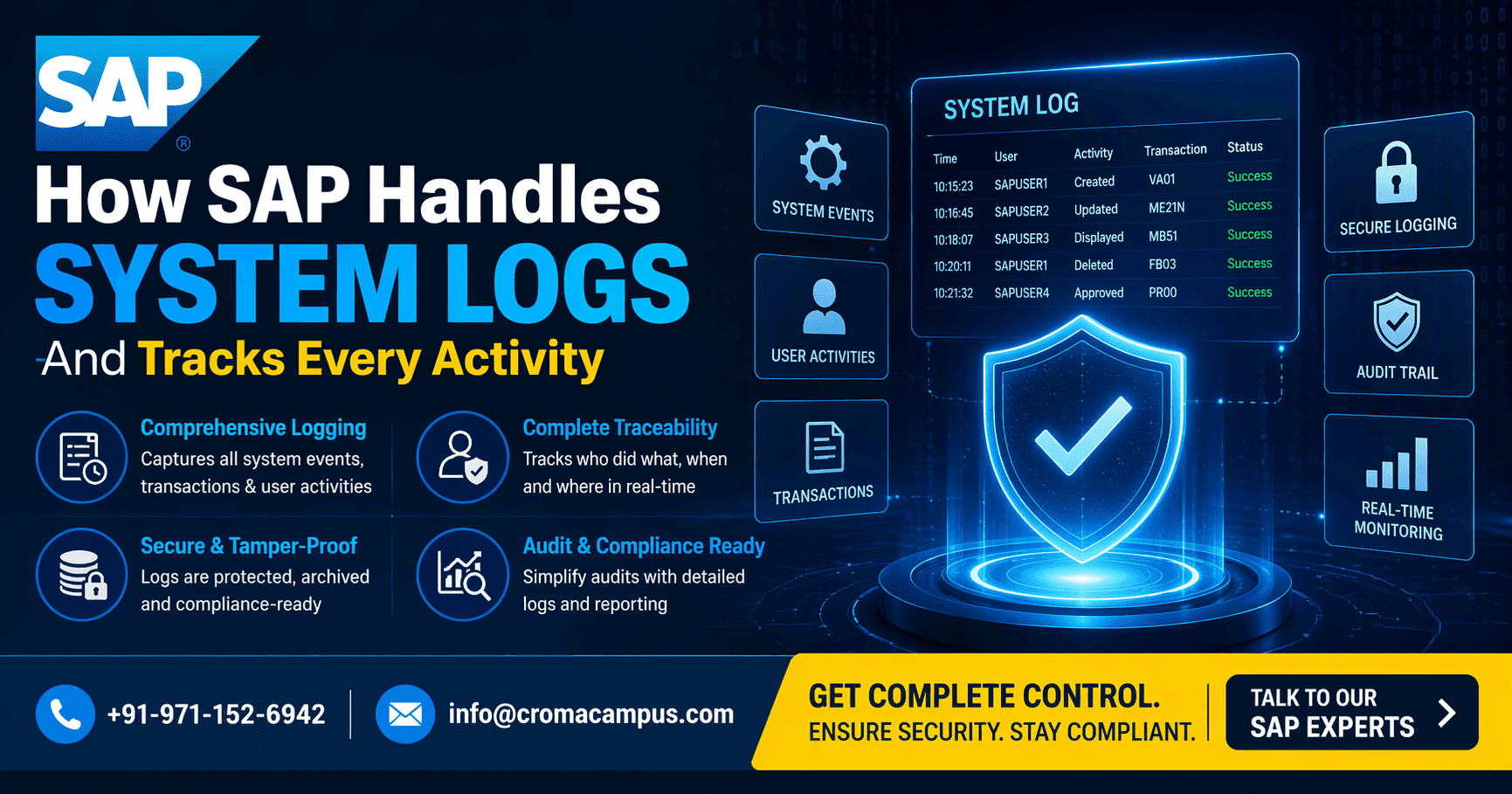
Introduction:
The logs of SAP systems capture all activities within them. Each activity in terms of clicks, updates, or jobs generates a log. The logs provide information on the operations being carried out and ensure that the system is under control. This includes information about the activity, when it was done, and by whom. It is because of this reason that the importance of logs in SAP cannot be overlooked, despite the fact that many SAP FI Training concentrate only on postings and reports.
What Are System Logs in SAP?
Base logs are system logs. This log shows any technical event in the system. System logs do not have anything to do with any business. The logs are purely technical and give the technical information about what is happening within the system.
What system logs record:
● Starting and stopping the server
● Technical errors in the system
● Technical failures during work processes
● Connection failures with the database
Technical warnings
● Accessed via transaction code SM21
● Reasons why system logs are important:
● Check the health of the system
● Identify crashes and errors
● Technical troubleshooting purposes
● Analysis of issues starts with it
Application Logs in SAP
The Application Log is associated with Business Processes; Logs contain messages created when the Process runs.
What information is contained in application logs?
● Transaction Errors
● Messages that tell about success/failure of transactions
● Missing data issues
● Messages about process flow
● Accessing Application Log – Using SLG1.
Important points to note:
● They can be accessed through object and Sub-Object.
● Each Application Log contains Time, User and Message information.
● Easy to filter and analyze
SAP ABAP Training people use application logs to develop programs and monitor errors without looking at code again and again.
Security Audit Logs
Security logs monitor user activities. Security logs are important for both monitoring and controls.
Security logs capture:
● Login/logout information
● Unsuccessful login attempts
● Transaction utilization
● User modifications
● Role/authorization modifications
Security logs can be accessed by using SM20.
Importance of security logs:
● Monitor any unauthorized access
● Ensure security of the system
● Facilitate auditing purposes
● Monitor user activities
The data stored in HR systems is sensitive. The professionals who have undergone training from SAP HCM Course ensure that the data is not misused.
Change Documents in SAP
Change documents track data-level changes. Whenever a value is changed, SAP stores both old and new values.
Stored in tables:
● CDHDR (header level)
● CDPOS (field level)
What change logs include:
● Old value
● New value
● User ID
● Date and time
Why they matter:
● Full data tracking
● Easy rollback understanding
● Supports audits
In sales processes, this is very useful. Professionals working after an SAP SD Course use these logs to track changes in orders and pricing.
Overview of SAP Logs
Log Type | Transaction Code | What It Tracks | Main Use |
System Log | SM21 | Technical events | System monitoring |
Application Log | SLG1 | Process messages | Error tracking |
Security Audit Log | SM20 | User activity | Security and audits |
Change Documents | Tables | Data changes | Data tracking |
Background Job Logs
SAP runs many jobs in the background. These jobs also create logs.
What job logs include:
● Job status (success or failure)
● Execution time
● Output messages
● Error details
These logs are checked using SM37.
Key points:
● Used for scheduled processes
● Helps identify failed jobs
● Shows exact error message
In HR systems, payroll runs in the background. People trained in a SAP HCM Course check these logs to confirm successful execution.
ABAP and Logging
ABAP developers can create custom logs. This helps in better tracking of programs.
Common tools used:
● BAL_LOG_CREATE
● BAL_LOG_MSG_ADD
● BAL_DB_SAVE
Why this is useful:
● Stores logs in structured format
● Easy to view later
● Helps in debugging
This is an important part of SAP ABAP Training, where developers learn how to build traceable programs.
Logging in Finance Module
The finance system requires a powerful logging system. All entries should be logged.
Logs will assist in tracking:
● Financial postings
● Documentation updates
● Reversals
● Error messages
Importance of logs:
A requirement for audit purposes
● Will ensure compliance
● Accuracy of data is guaranteed
In SAP FI Training, logs are employed in determining the reason behind the posting error and resolving them.
Logging in Sales & Distribution
Sales operations generate numerous logs during each stage of the process.
Logs capture:
● Creation of sales orders
● Processing deliveries
● Generating invoices
● Errors in pricing
Important features:
● Resolving sales order problems
● Capturing documentation flow
● Clarifies the entire process
SAP SD course training professionals rely on logs to address process problems.
Logging in SuccessFactors
SuccessFactors is a cloud-based SAP system. Logging is still important here.
Logs capture:
● User actions
● Workflow status
● Integration errors
● API calls
Why it matters:
● Helps fix integration issues
● Tracks employee data changes
● Supports cloud monitoring
This is part of SuccessFactors Training, where learners understand system behavior in cloud environments.
Advanced SAP Log Tools
Other tools offered by SAP for analysis include:
Significant tools:
● ST22 – Short dumps
● ST05 – SQL trace
● SE30 – Runtime analysis
Their functions are as follows:
● Identifying coding errors
● Tracing database queries
● Performance analysis
In higher level learning, these are also taught through SuccessFactors Training to learn about system analysis.
System Integration
Today, SAP is integrated with other applications and log files facilitate such integrations.
The integration log files contain information on:
● Transfer of data
● Messages that failed
● Errors in APIs
This knowledge is essential since:
● It helps in rectifying integration problems
● Smooth transfer of data
● System communication
This is taught as SAP SuccessFactors Training in Noida.
Distributed Systems and Logs
Large SAP systems run on multiple servers. Logs are generated at many levels.
Types of logs:
● Application server logs
● Database logs
● Network logs
Key points:
● Logs are spread across systems
● Need combined analysis
● Helps in full system tracking
In growing tech environments, this is covered in SAP SuccessFactors Training in Noida, where learners understand logging in multi-system setups.
Sum up,
SAP logging is a very basic but important feature of SAP systems. All actions performed within the system can be recorded using logs. These may contain technical events, user events, and database event data. Logs help to analyze errors, perform system health checkup, and monitor system activity. The role of logs is applied throughout all SAP modules.