Education
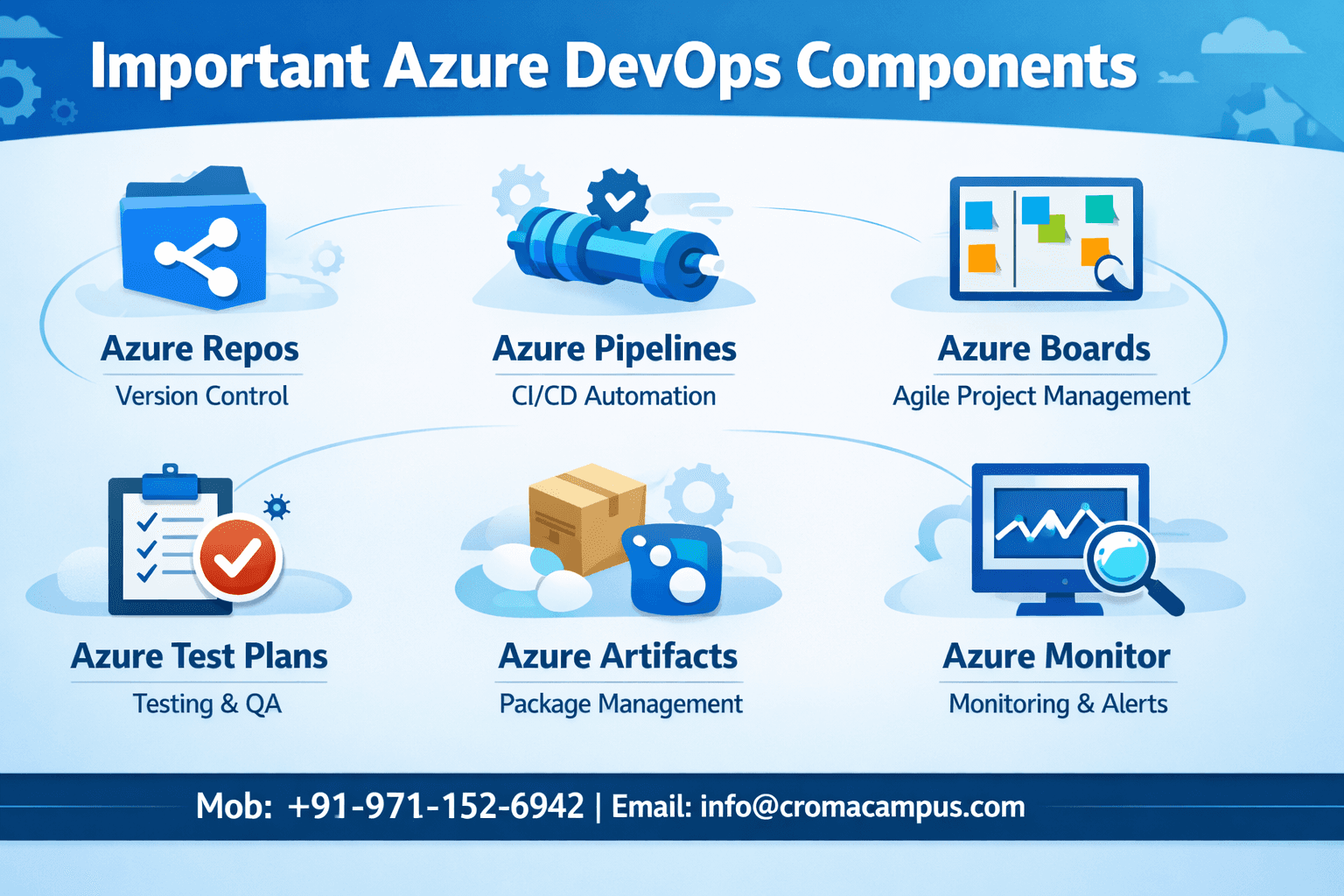
Important Azure DevOps Components
Jan 21, 2026
Introduction
Azure DevOps is a complete platform. This platform allows teams to plan, build, test, and release software more quickly. Azure DevOps was designed by Microsoft to support modern DevOps with automation and collaboration. Cloud and on-premise systems are compatible with Azure DevOps. Azure DevOps supports agile development, continuous integration, and continuous delivery. Each component in Azure DevOps has a clear technical role. Together, these components create a reliable DevOps lifecycle. Azure DevOps Training helps professionals master CI/CD pipelines, source control, and release automation using real Azure projects. Understanding these components is important for engineers who work with cloud-native and enterprise applications.
Important Azure DevOps Components
Below are some of the most important Azure DevOps components.
1. Azure Boards
Azure Boards manages the planning and tracking part of DevOps. It supports agile, Scrum, and Kanban workflows. Teams use it to track work items like epics, features, user stories, and bugs. Each work item stores state, priority, and ownership. Azure Boards integrates directly with code and pipelines. This integration gives full traceability from requirement to deployment.
Azure Boards uses queries to fetch work items.
SELECT * FROM WorkItems WHERE State = 'Active'
This query-style syntax helps teams filter large backlogs. Azure Boards improves visibility and ensures controlled delivery.
2. Azure Repos
Azure Repos offers secure source code management. It supports Git and Team Foundation Version Control. Most teams use Git repositories. Branching, merging, pull requests, etc, become easier with Azure Repos. Pull requests improve code reviews and quality checks.
A basic Git workflow in Azure Repos looks like this.
git clone https://dev.azure.com/org/project/_git/repo
git checkout -b feature-login
git commit -m "Add login feature"
git push origin feature-login
Azure Repos ensures code safety and collaboration at scale.
Azure Pipelines
Azure Pipelines efficiently handle build and release automation. It supports continuous integration and continuous delivery for more efficiency. Pipelines work with any language or platform. They run on Microsoft-hosted or self-hosted agents. Pipelines use YAML for configuration. YAML makes automation readable and version-controlled. Azure DevOps Certification Course builds strong skills in automation, cloud infrastructure, and continuous delivery for modern enterprises.
A simple pipeline definition looks like this.
trigger:
- main
pool:
vmImage: 'ubuntu-latest'
steps:
- script: mvn clean install
Azure Pipelines automates testing and deployment. This ensures higher speed and consistency.
Azure Test Plans
Professionals manage manual and exploratory testing with Azure Test Plans. It supports test cases, test suites, and test execution. Test Plans integrates with Azure Boards. This integration links bugs directly to test results.
Teams record test steps and expected outcomes. During execution, testers capture results and defects. Azure Test Plans improve quality assurance and reduce production issues.
5. Azure Artifacts
Professionals use Azure Artifacts to manage package dependencies easily. NuGet, Maven, npm, Python, Universal Packages, etc. are all supported in this framework. Artifacts act as a private package repository. It is vital to improve security and version control.
A sample npm configuration uses this syntax.
npm install @org/package --registry https://pkgs.dev.azure.com/org/_packaging/feed/npm/registry/
Azure Artifacts help professionals maintain stable builds and controlled dependency usage.
6. Azure DevOps Extensions and Integrations
Azure DevOps supports extensions. One can use these extensions for added monitoring, security, and reporting. Azure DevOps integrates with Kubernetes, Docker, Terraform, Azure Monitor etc. This is vital for complex enterprise pipelines.
Conclusion
Azure DevOps components support the entire software lifecycle by working together. Planning and tracking is made easier with Azure Boards while Azure Repos secures source code. Professionals can automate build and release processes with Azure Pipelines. Azure Test Plans is used to maintain high quality. Azure Artifacts controls dependencies. DevOps principles allow these components to improve delivery speed. Engineers gain visibility, automation, and reliability. One can join the Azure Devops Course with Placement for ample hands-on training opportunities. Learning Azure DevOps today can be a wise career move for aspiring professionals.